
About QuillWeaver
Why we built QuillWeaver.
Most teams who send recurring reports are stuck between two bad options: fighting Word mail merge every quarter, or paying an agency to update an InDesign file. We built QuillWeaver so you can design a document once, point it at a spreadsheet, and run it locally whenever the numbers change.
The page is exact
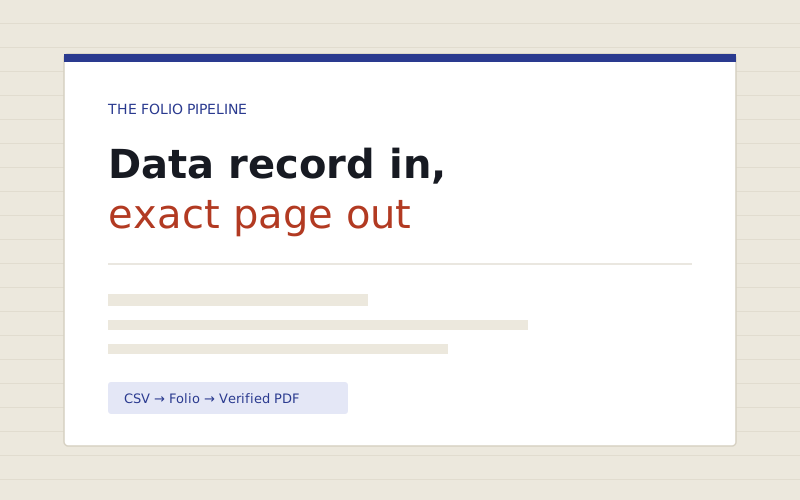
Same spreadsheet, same template, same bytes today and five years from now. No shifting page breaks, no clipped lines, and a verification receipt beside every PDF.
One file, three ways to work
An editor moving frames in Designer, a developer running a CLI batch job, and Claude drafting a layout over MCP all read and write the same open file.
Data drives the layout
One record in, one finished document out. Tables continue across pages with repeating headers, charts draw per recipient, and bad rows are caught before anything sends.
How it came together
Closing the gap between spreadsheets and print.
We watched nonprofit stewardship staff and small advisory offices bounce between broken Word mail merges and costly agency InDesign workflows, while AI assistants struggled to produce a single clean PDF.
Built Folio, an open deterministic page-layout engine where margins, tables, and font metrics are exact to the millipoint.
Added multi-row spreadsheet binding, vector SVG charts, pre-flight fit checks, InDesign (.idml) import, and a 12-tool MCP server.
Shipped QuillWeaver Designer so editors can build and update templates visually on their desktop without touching code.

5 formats
PDF, PNG, HTML, email-safe HTML, and DOCX from one template.
305 files
InDesign files in our IDML importer test suite.
Offline
Personal runs on your machine without cloud uploads.
12 tools
MCP tools so Claude and Cursor can draft and check layouts.
At a glance
What makes QuillWeaver different from cloud PDF tools?
QuillWeaver pairs a desktop layout studio (QuillWeaver Designer) with the open, deterministic Folio layout engine. Instead of uploading private spreadsheets to a metered cloud API or wrestling with Word mail merge, teams connect CSV, JSON, SQL, or Adobe InDesign (.idml) files locally on Windows, macOS, or Linux. Every document runs through a pre-flight fit check, exports to PDF, PNG, HTML, email-safe HTML, or DOCX, and writes a SHA-256 verification manifest alongside every file.
See it on your own spreadsheet.
Send us one anonymized CSV or InDesign file and we will run a sample batch and fit check for you.