
Claude & AI assistants (MCP)
Give Claude a real print layout engine.
Connect QuillWeaver's MCP server to Claude Desktop, Claude Code, or Cursor so your assistant drafts schema-checked PDF layouts you can open and refine visually.
The everyday frustration
Why AI-generated PDFs usually disappoint
- Asking an LLM for a PDF usually produces a Python or HTML script with awkward page breaks and clipped tables.
- The model cannot see whether a heading is stranded or a table ran off the bottom of page 2.
- Once the model outputs a script, non-technical teammates cannot open it visually to tweak a margin or swap a logo.
The QuillWeaver way
How QuillWeaver bridges AI and layout
- 12 MCP tools let Claude validate schemas, render PNG previews, and run fit checks before showing you the result.
- Every file Claude drafts opens directly in QuillWeaver Designer for human visual edits.
- Once approved, production runs call no AI at all so every number and page break stays deterministic.
Common outputs
Documents teams build first
The Free tier includes the open Folio engine and bundled MCP server for Claude Desktop, Claude Code, and Cursor.
- Automated SLA & usage reports
- Executive briefings
- Board memos & one-pagers
- Data-driven customer summaries
Starter templates
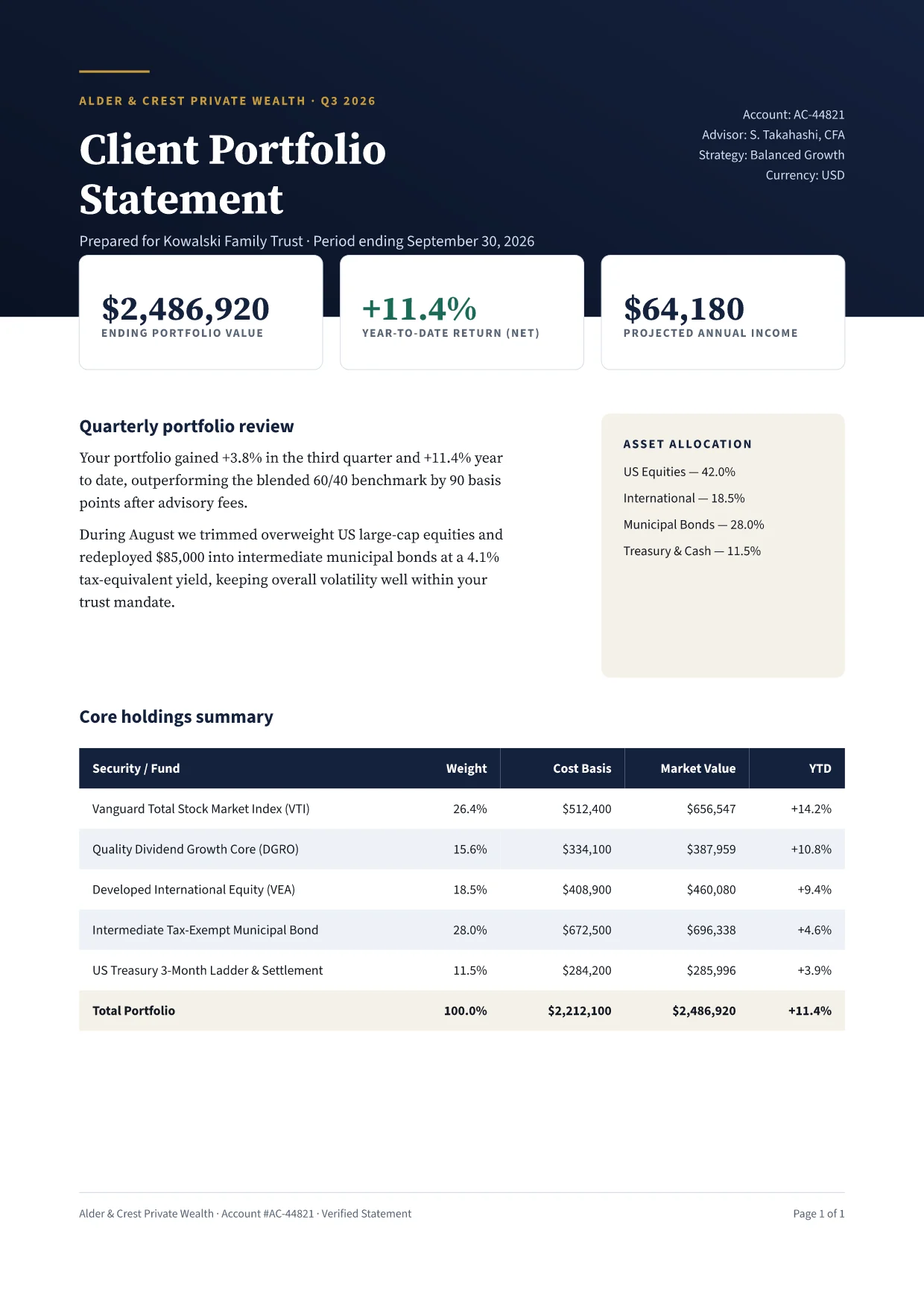
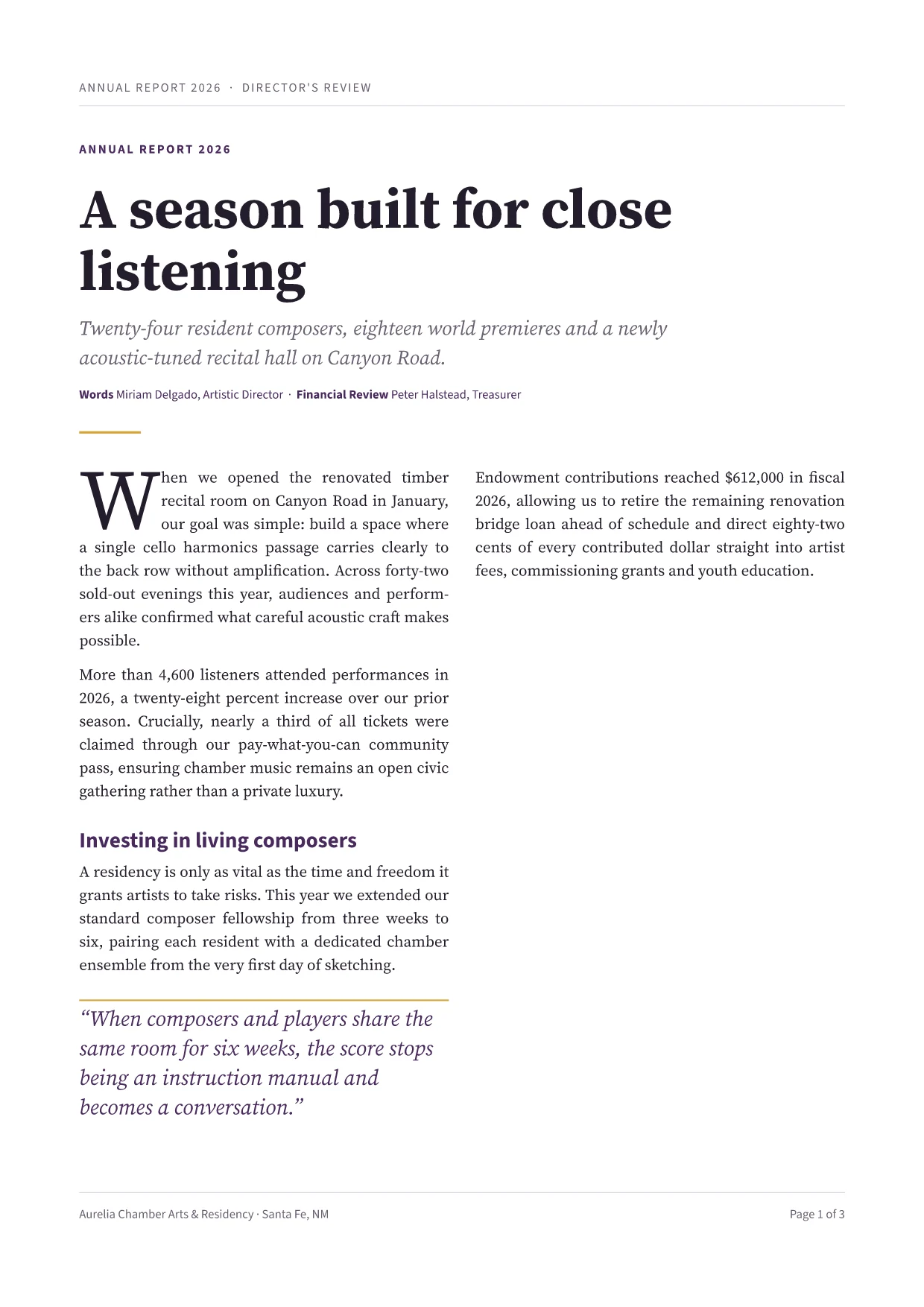
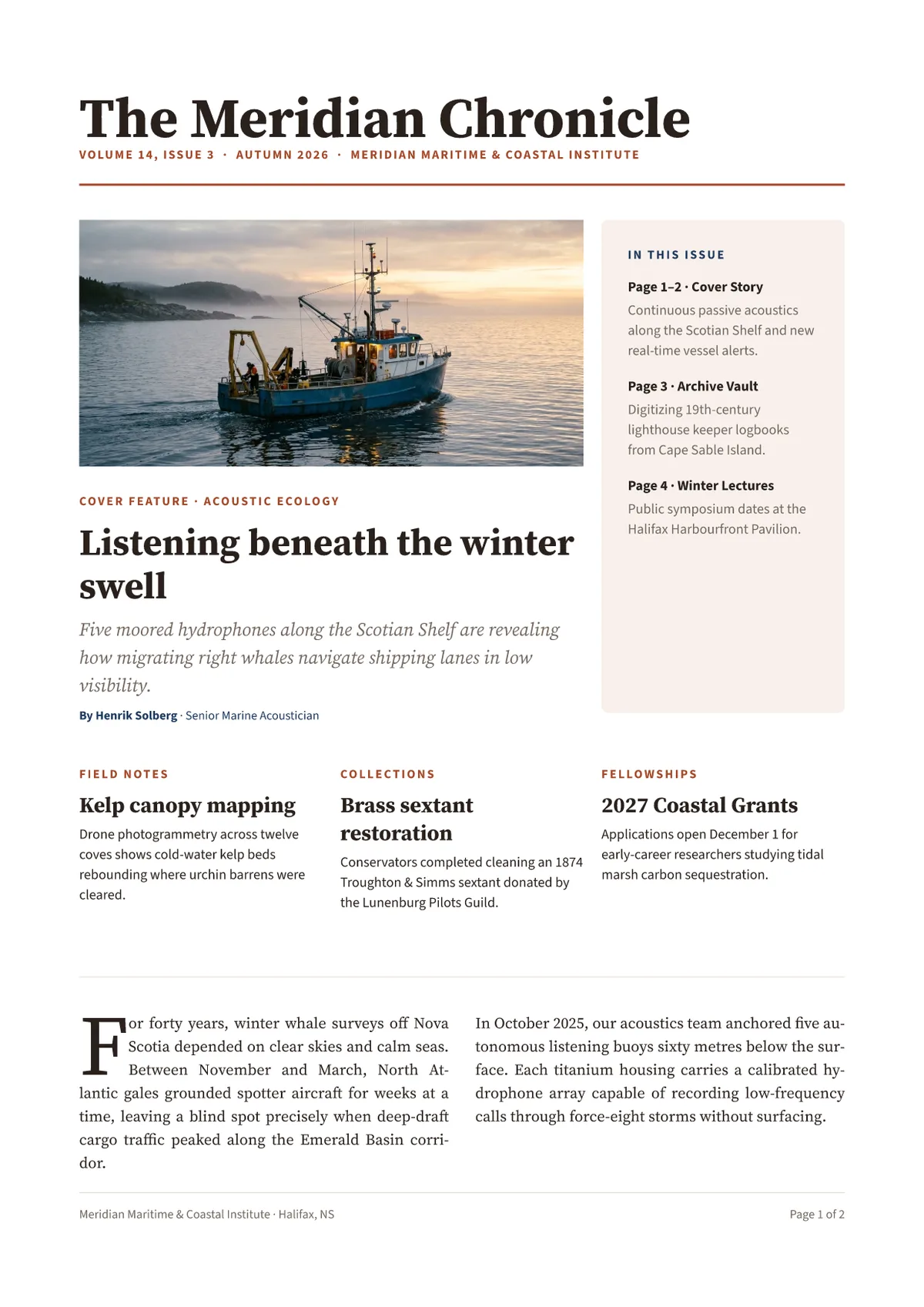
Sample layouts for claude & ai assistants (mcp).
Open any preview below to inspect the rendered PDF or try switching spreadsheet rows.
Test it on one of your own files.
Send us an anonymized sample spreadsheet or an old InDesign file and we will run it through QuillWeaver and send back the PDFs and fit report.